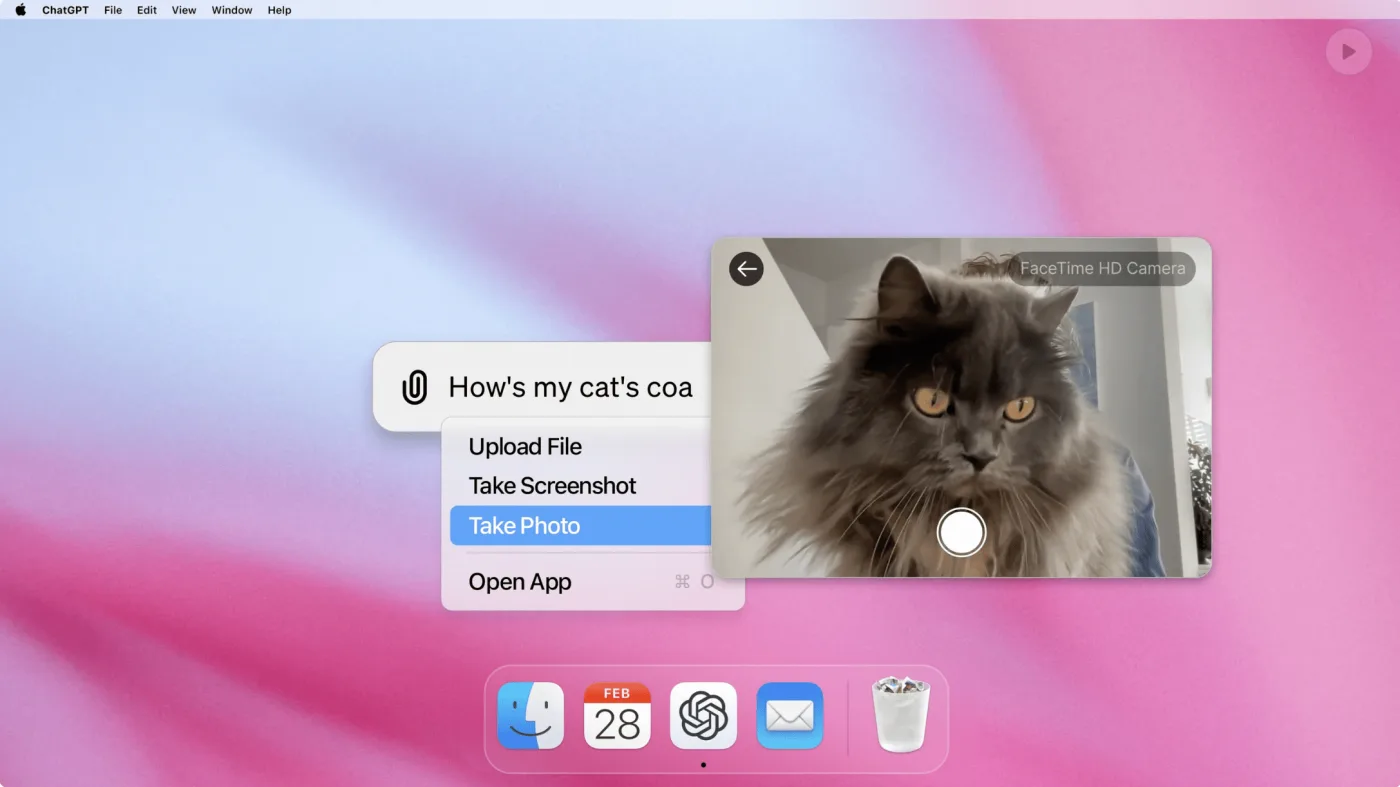
The ChatGPT desktop app for Windows makes work smarter and easier. No more juggling browser tabs and logins — the app is always within reach. Here is how a handful of features can speed up your working day.
🎙️ Talk it out
Not in the mood to type? Use voice. With Advanced Voice Mode you talk to ChatGPT directly. Ideal for quick brainstorms, dictating notes, or simply working hands-free for a while.
🖼️ Capture and use screenshots
A picture says more than a thousand words. The desktop app lets you upload and analyse screenshots easily. Have ChatGPT help you understand what is on screen, or generate answers straight from visual information.
📂 Upload and analyse files
Working with PDFs, spreadsheets or Word documents? Upload them into the app and get insights, summaries or answers in seconds. Useful for reports, quotes and data analysis.
🌐 Search the web
Stuck for inspiration, or need to look something up quickly? The built-in web search brings you up-to-date information straight from ChatGPT. Combine real-time data with AI for better results.
⌨️ Always a keystroke away with Alt + Space
The app is always within reach through the Alt + Space shortcut. Whether you have a question, want to automate a task or need a complex analysis, ChatGPT is there in a fraction of a second.
🖱️ Start today
Download the ChatGPT desktop app for Windows and see what AI can do for your working day: download it here.
At Hello Growth we believe in smart solutions that save time and improve processes. With the ChatGPT desktop app you get more out of your day: fast, convenient and always available.
Have you tried the app? Let us know how you get on.