In short
- ChatGPT is becoming a shared workplace. In Pages you write together with colleagues and AI in one document, Space holds everything you create, and Team Tasks let you hand recurring work to ChatGPT.
- Pages and Space are available on Pro, Business and Enterprise. Teams, Team Tasks and @ChatGPT in Slack and Microsoft Teams only on Business and Enterprise.
- Working together with AI needs agreements: whatever someone shares is visible to everyone with access, including what ChatGPT draws from that person's memory.
Until now, ChatGPT was mostly something you used on your own: you, a conversation, an answer. At DevDay on 29 September, OpenAI showed ChatGPT turning into a place where a team works together, with AI as a colleague in the same document. For a team that already uses ChatGPT, that means less copying and pasting between chat, Word and Teams. It also means agreeing on what gets shared and who hands off which work.
Below are the five parts, who can use them, and what to check before your team starts.
Pages: one document for people and AI
OpenAI calls Pages "a new type of document, built for human and agent collaboration". You write, research and add charts and images in one document, and edit it at the same time as colleagues. In a comment you can tag @ChatGPT or your dot to take on a section (OpenAI, DevDay 2026 Recap).
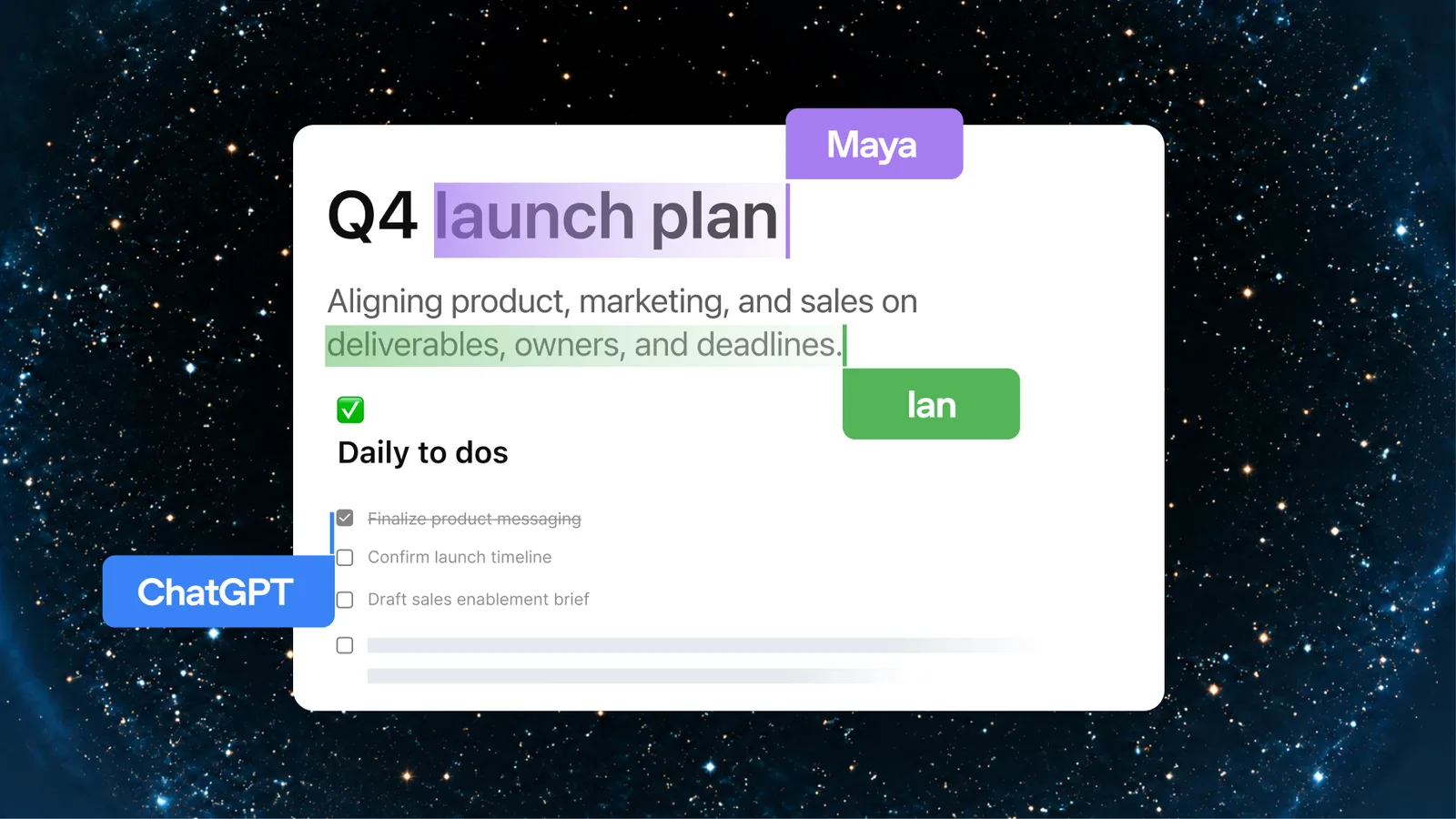
Image: OpenAI, DevDay 2026 Recap.
A Page can also keep itself up to date. You give an automation instructions, sources and a frequency, and the Page becomes a living document. Think of a weekly market overview or a project status that refreshes every Monday.
Space: where everything you make ends up
According to OpenAI, Space is "the home for the pages and files you create, upload, and share in ChatGPT, including spreadsheets and presentations". It replaces the old Library. You can create and edit on web and desktop; on mobile you can only find, read and share for now (ChatGPT Space).
Note one sentence on that same page: anything you or ChatGPT write on a shared Page is visible to everyone with access, "including personal details drawn from memory". Sharing does not expose your private chats, but whatever ChatGPT pulls from your memory into a document is there for others to read.
Collaborative slides are on the way. OpenAI says that within weeks you will be able to build slides together and export them to PowerPoint or Google Slides with formatting intact. They are not available yet.
Teams and Team Tasks: handing work to ChatGPT
With Teams you group colleagues in ChatGPT to share Pages, slides, plugins and spreadsheets. Team Tasks go one step further: you hand recurring work to ChatGPT, on a schedule or triggered by an event such as a new email or a Slack message. Available on Business and Enterprise.
The documentation (ChatGPT Enterprise: Teams) lists a few things worth knowing in advance:
- Team Tasks run with the team's service account and connected apps, not with anyone's personal settings or memory.
- A new team member sees all earlier runs and files.
- Connected workspace apps can give access to more than someone would see with their own account.
- Pausing or deleting a task does not guarantee that a run already in progress stops.
None of these are reasons not to use it. They are reasons to agree per team which apps get connected and who manages the tasks.
@ChatGPT in Slack and Microsoft Teams
On Business and Enterprise you can mention @ChatGPT in a channel, thread or direct message. It works with the tools your administrator has connected. Colleagues can add context in the same conversation "without needing an individual ChatGPT license", OpenAI writes. At launch, @ChatGPT uses no memory and no personal memories (ChatGPT in Slack and Teams).
For most organisations that last point is welcome: what ChatGPT answers in a channel does not depend on who asks.
The Meetings plugin: notes and action items
The Meetings plugin turns a meeting into notes and action items and stores summaries in Space. OpenAI says the audio is deleted once the notes are ready. It is in beta in the ChatGPT app for macOS, for Pro and Business; Enterprise will follow.
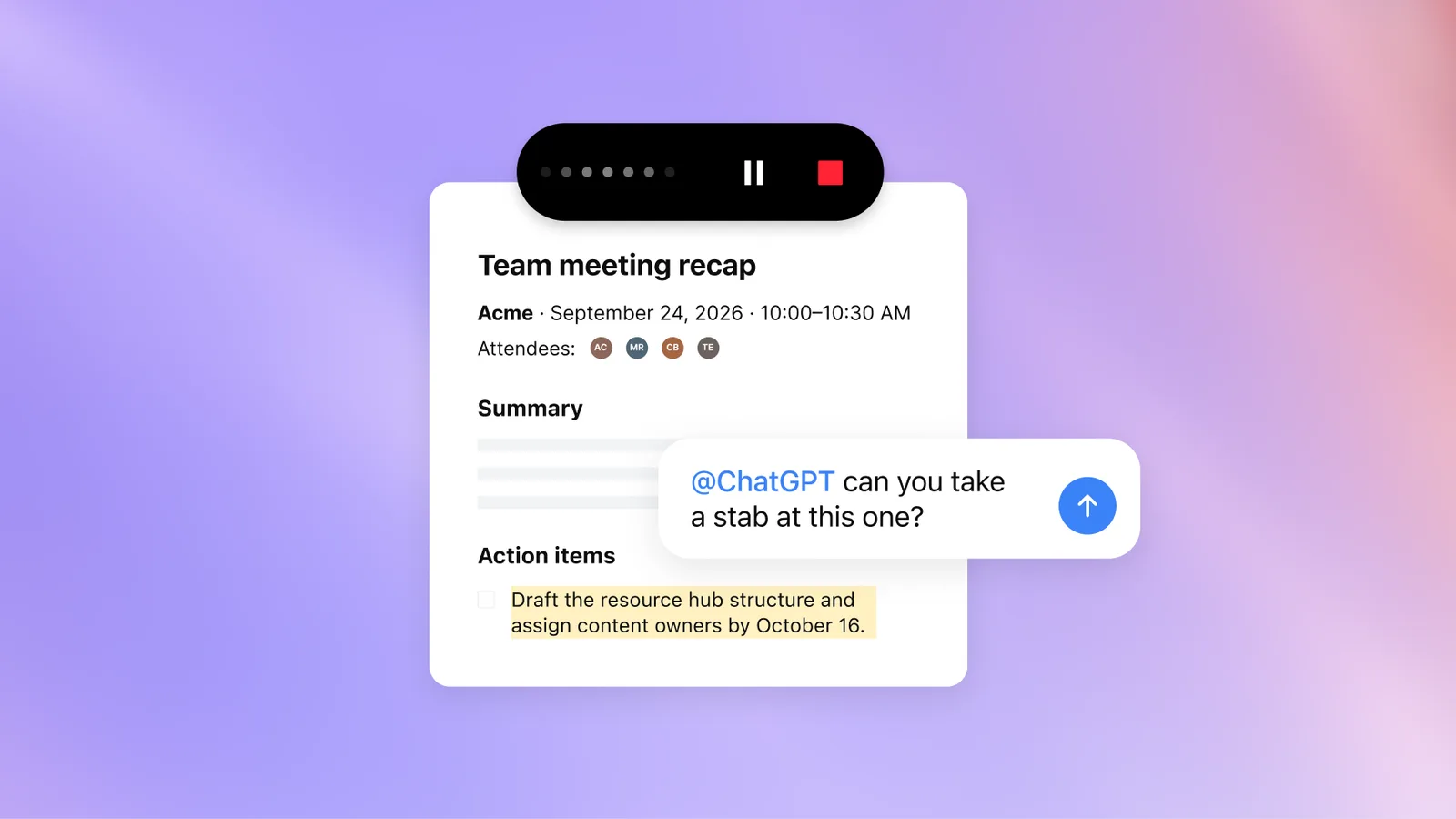
Image: OpenAI, DevDay 2026 Recap.
Taking notes with AI is not new; we wrote about meeting notes with ChatGPT before. That covers ChatGPT Record, a different feature from this plugin. What is new is that the notes land straight in a shared document the team keeps working in. One piece of advice from us: tell participants in advance that you are recording and ask whether that is fine. Recording a conversation with others touches on privacy, and OpenAI says nothing about the rules that apply in your country.
What this means for your team
The biggest gain is not in any single feature, but in fewer handovers. A meeting becomes a Page, ChatGPT fills in the Page, a colleague picks up an action item in Slack, and a Team Task sends an update every week. That removes the work of copying between separate tools.
At the same time the question shifts from "who uses ChatGPT?" to "what may ChatGPT do on behalf of our team?". Three agreements help:
- Which apps do we connect to the team? Fewer is better, especially at the start.
- Who manages the Team Tasks? One owner per task, who reviews the results.
- What do we keep out of shared Pages? Customer personal data and confidential figures belong in the systems where they live now.
When this is not the right step
If your organisation works entirely in Microsoft 365 or Google Workspace and has its AI arranged there, a second collaboration space in ChatGPT is more likely to add fragmentation than value. The pages we read also say nothing about EU data residency or regional restrictions for Space, Pages and Teams. If your organisation has requirements about where data is stored, check with OpenAI first.
Would you rather have one workplace with your own AI tools, permissions and audit log, under your own control? That is what a Hello Growth AI workplace does.
This was one of more than twenty announcements. The full overview is in OpenAI DevDay 2026: what it means for your business.
Want to work out how your team can best work with AI? Book a conversation.
Sources
- OpenAI, DevDay 2026 Recap, 29 September 2026
- OpenAI, ChatGPT Space
- OpenAI, ChatGPT Enterprise: Teams
- OpenAI, ChatGPT in Slack and Microsoft Teams